Live camera OCR
Apple's Vision framework reads the bird name from any Wingspan card in real time. Latin names give the most reliable match.
Point your iPhone or iPad camera at any Wingspan card and hear the bird's actual call, streamed live from the Xeno-canto archive. Every bird you scan joins a continuous, looping playlist for your game night.
Unofficial fan-made companion. Not affiliated with, endorsed by, or sponsored by Stonemaier Games.
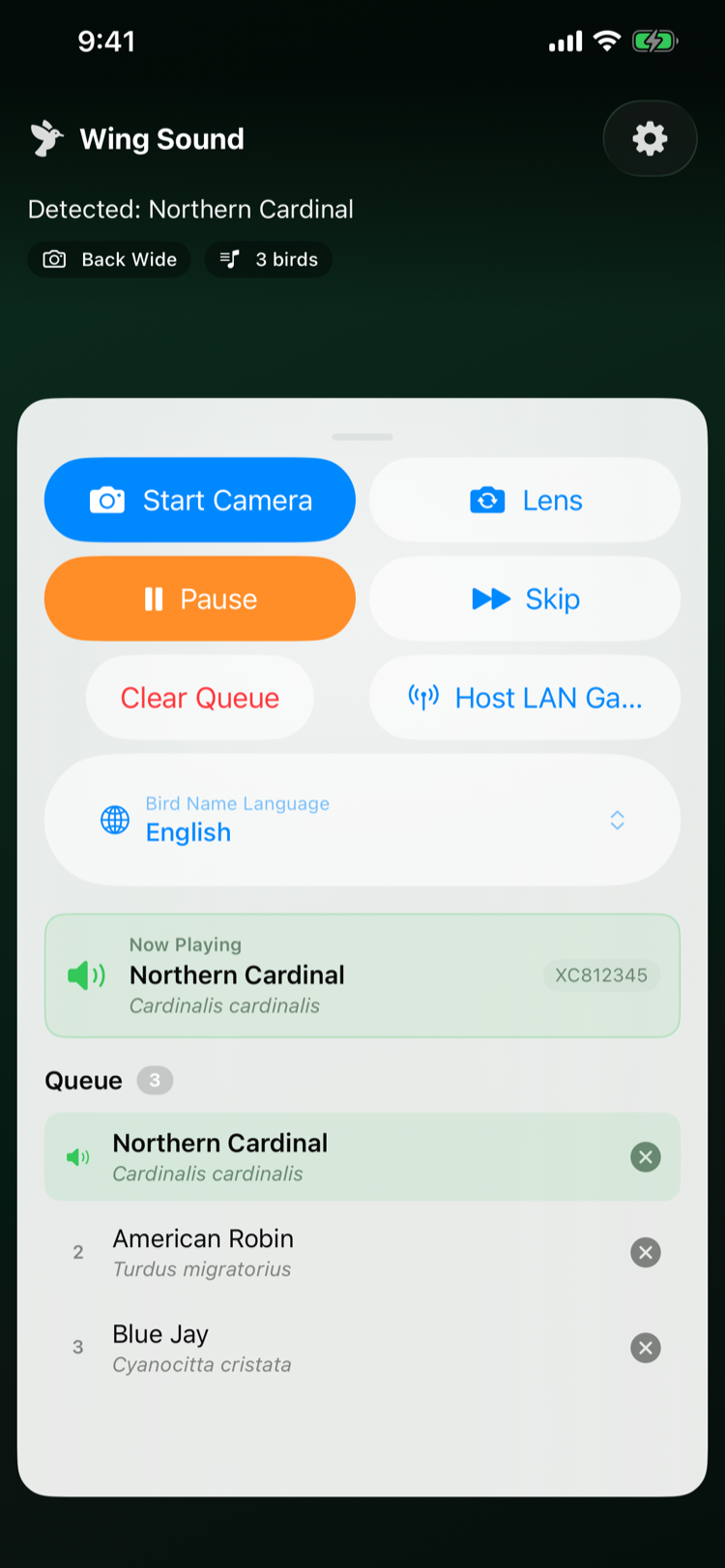
Wing Sound was designed by a Wingspan player for Wingspan players. No menus to wade through, no typing, no dragging cards around — just point and listen.
Apple's Vision framework reads the bird name from any Wingspan card in real time. Latin names give the most reliable match.
Every call is sourced live from xeno-canto.org, the world's largest community-curated archive of wildlife sound.
Scanned birds join a continuous playlist that plays in the background — through the speaker, AirPods, or any Bluetooth speaker on the table.
LAN Mode lets one device act as the display while others connect to scan cards together.
English, Czech, Dutch, Estonian, French, German, Hungarian, Latin, Latvian, Lithuanian, Polish, Serbian, Spanish, Swedish, Turkish.
On iPad, the camera and controls sit side by side so the host can read what's playing from across the table.
No accounts, no analytics, no tracking. Camera frames never leave your device. Read the privacy policy →
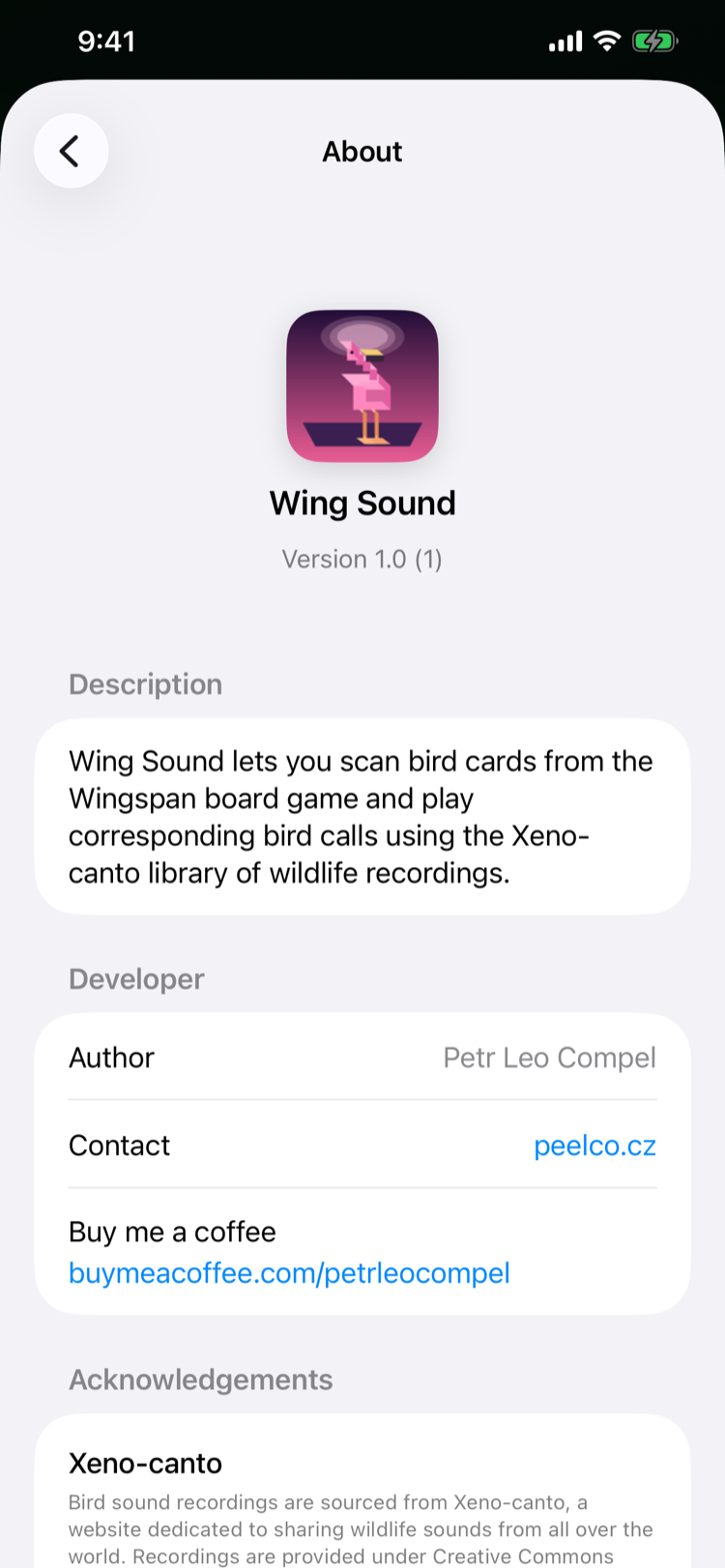
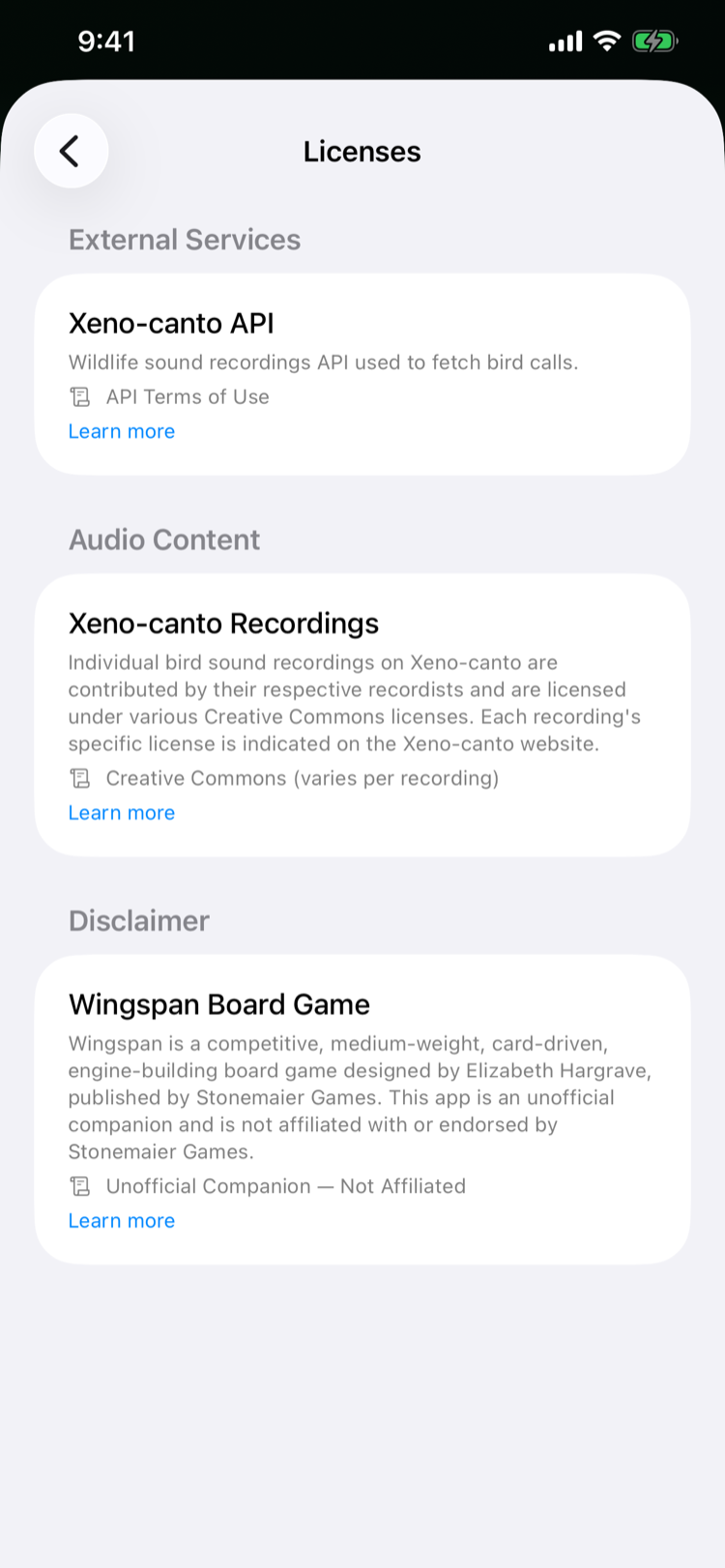
Scan, queue, and play — from the main screen through settings, about, and licences.
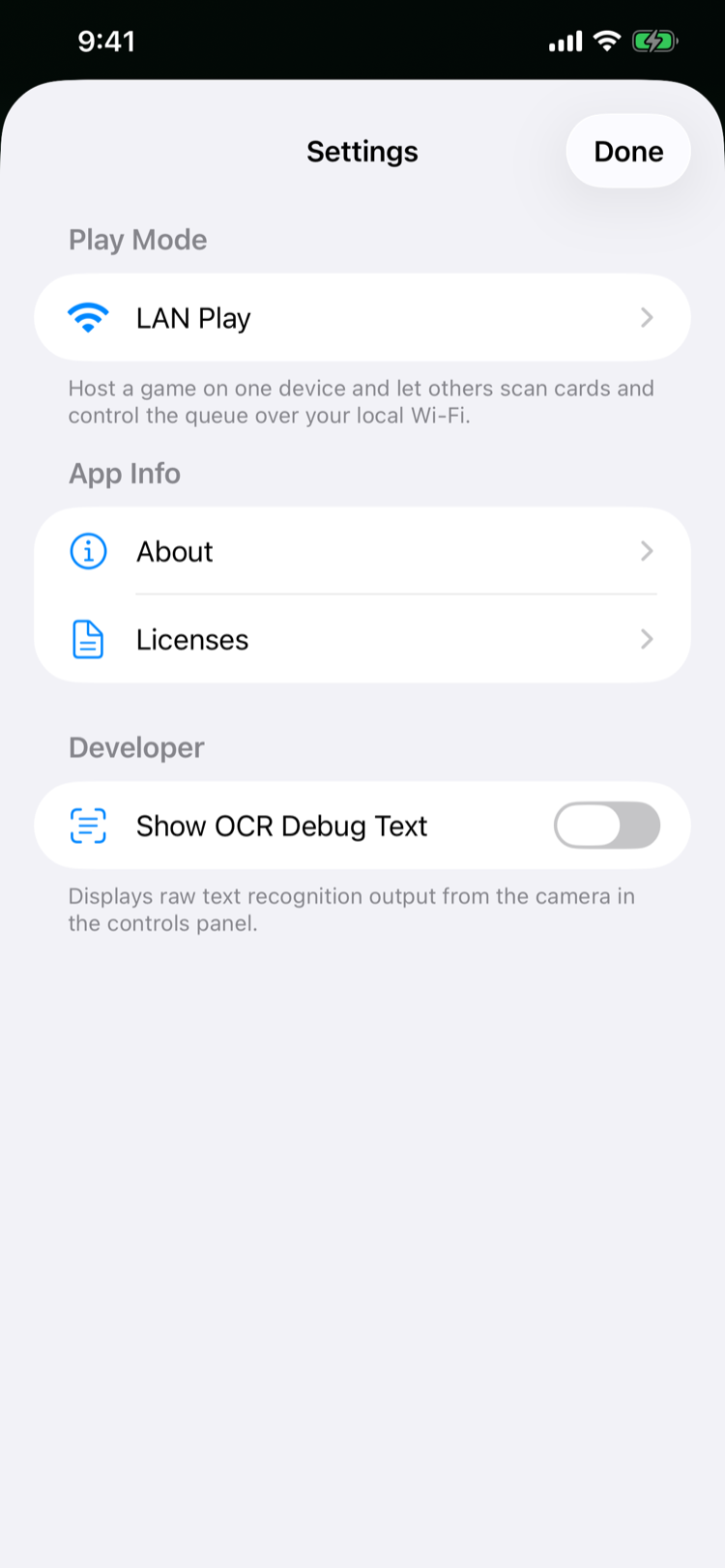
Launch Wing Sound and grant the camera permission once. The viewfinder fills the screen with corner brackets to help you frame the card.
Hover over any Wingspan bird card. Apple's Vision OCR reads the name in milliseconds and Wing Sound matches it against the bird catalogue.
The bird joins the queue and starts singing — through your speaker, AirPods, or any Bluetooth speaker on the table. Loops forever, even in the background.
Wing Sound processes every camera frame on-device with Apple's Vision framework. The only network calls it makes are anonymous requests to xeno-canto.org to fetch the bird recording you just scanned — that's it.
Read the full privacy policy